Since we redid the office, I’ve been mostly happy with it. Removing the wallpaper and painting the walls blue helped me feel more comfortable in our home office. But, I wasn’t completely comfortable.
I’ve been feeling frustrated about getting things done. My systems were not working and I continued to have a visual mess on my desk. For everyone else, the desk looked fine. For me, it bugged me. I didn’t want to spend time doing what needed to be done for our family spending, bill paying, etc. It was a chore I kept pushing through by gritting my teeth.
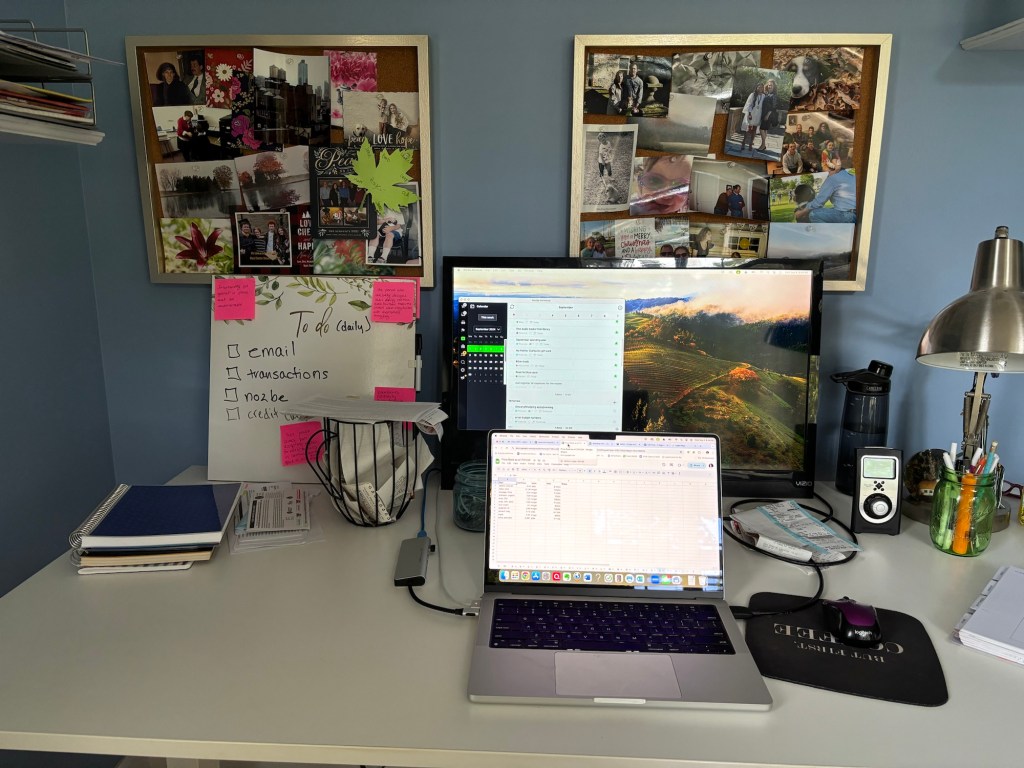
I won’t say that I’ve solved my office problem. I’ve come to understand my office problem, and that understanding has provided some fixes.
First of all, I needed to understand how I manage working for my family. Generally, I’m a Google and iPhone girl; at home, I’m more of a paper girl. However, I still use Evernote (notes on all kinds of stuff) and Nozbe (task management/reminders). I prefer Nozbe over a paper master planner because I can schedule reminders for years and attach different types of notes, including links to Evernote. Those reminders can appear on my Google calendar if I want to go all out. So essentially at home, I use a hybrid system of paper and electronic apps to manage everything.
That system wasn’t completely functional in the office. Part of the problem was needing my reminders right in my face. When I blogged before, I had a second screen for Nozbe. It worked wonderfully. Thanks to a shuffling of screens in our home office, I once again have a second screen for Nozbe.
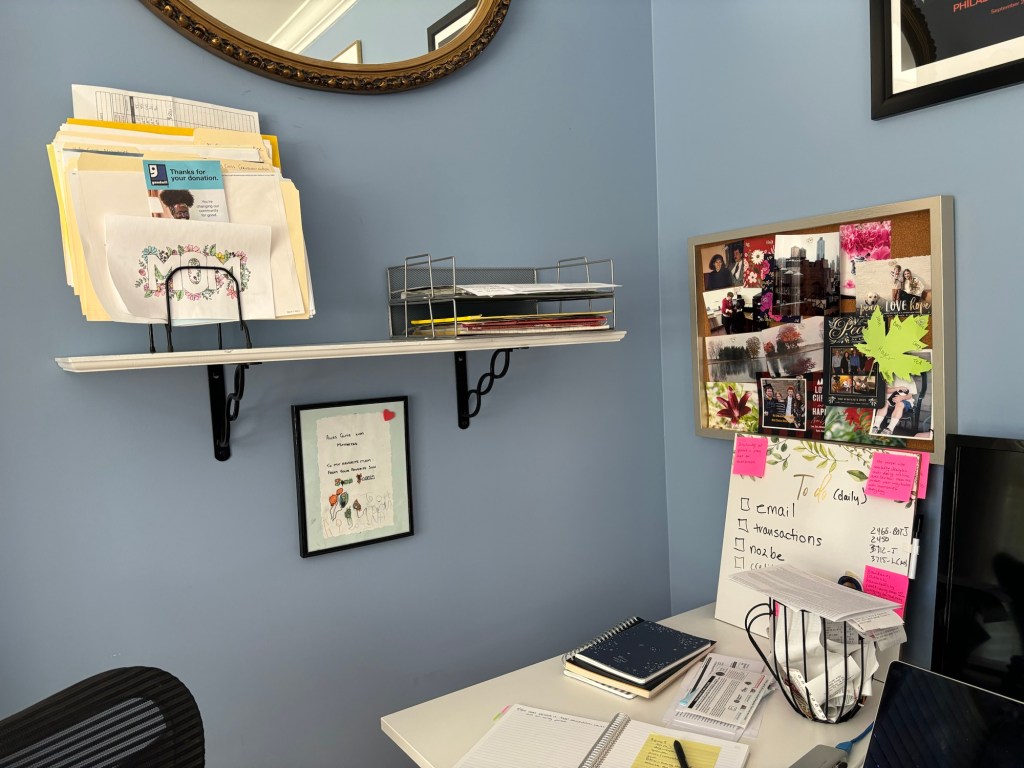
My second and third epiphany are intertwined – I’m right-handed and not everything needs to be on my desk.
Why does it matter that I’m right-handed? I kept putting everything I needed to write on – my social media calendar for my church, my notebook for daily notes, etc. – were all on the right side, and the visual clutter drove me crazy. Not to mention all the other clutter on the desk. Too many things were available.
I’m continuing to refine what needs to be on my desk and where to place it. I have 4 notebooks that I want to keep handy – project, goals, financial, and Christmas planning. I’m looking for a basket to contain them, though having them piled on the desk isn’t an issue.
I don’t like having piles of receipts on my desk. I need to enter them in Quicken and then use them to update my price book. Hmmm, I also need to put a reminder in Nozbe which might help with remembering what to do with the receipts. And then, I could keep them elsewhere like my weekly file folder system. Also, instead of leaving stuff on my desk to look at, I could pop them in the file folder system and make a note in Nozbe to review the item.
None of this has cost me money. I simply stopped and thought about what wasn’t working and why, and what to do to make it work.
 2 dogs and a house